If you are new here I urge you to go read Phase 1 Blog and Phase 2 Blog , all about the first two days of a design sprint.
A quick recap:
Phase 1 of a design sprint is all about getting the team aligned by understanding the problem they are trying to solve, the users, and the overall goals. It’s a of mapping the user journey, gathering expert insights, and choosing the one area to focus on for the rest of the sprint.
In Phase 2, the team shifts from understanding the problem to generating ideas and sketching them out creating storyboards. It’s all about exploring different ideas individually, then narrowing down the most promising ones to move forward with.
Now we are on phase 3, in the five day design sprint process.
Phase 3 of a design sprint is all about prototyping and refining your product or service.
This phase is all about bringing ideas to life in a quick and realistic way. The primary goal is to create a prototype that feels real enough to gather meaningful feedback from users, without spending too much time or resources building a fully functional product. It’s easier to go back and correct a prototype than the actual product or service.
Where to start?
Review the Solution Sketches

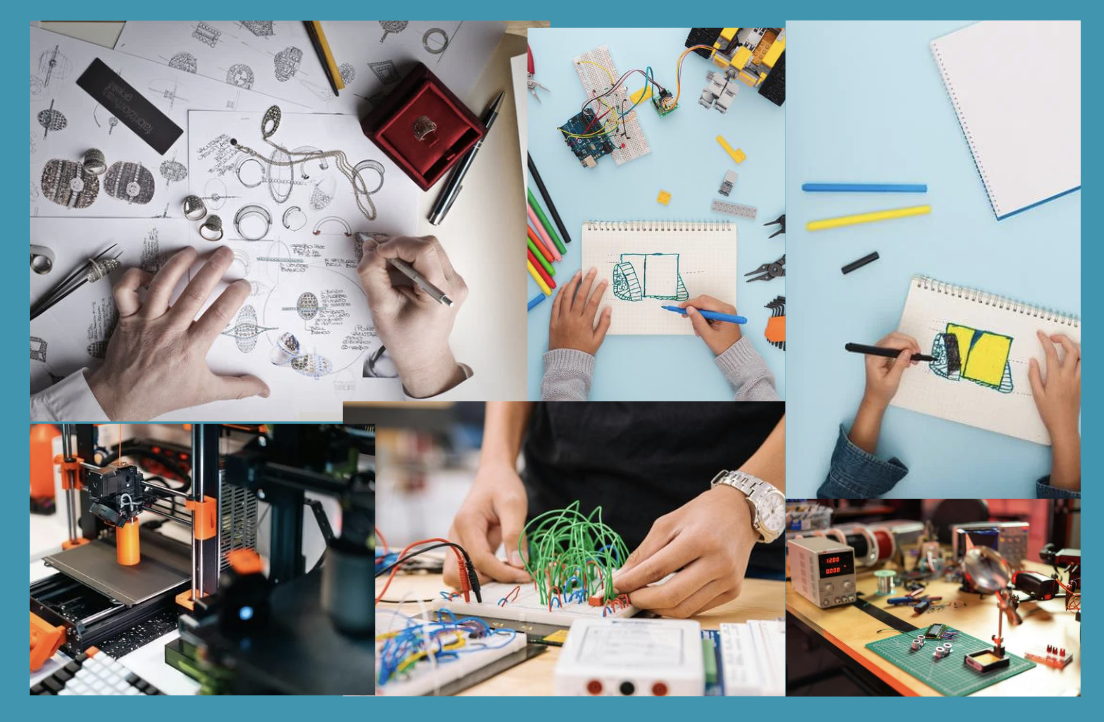
In Phase 2 of the design process, the group drew out rough sketches/storyboards (As seen in image above) of ideas and user flows to help put all the ideas together in one place. From this the team needs to decide what elements will move forward to the prototyping phase. It’s time to take all the ideas and see which ones fit into the product the best.
Now it’s time to Define the Prototype Scope:
Defining the prototype scope means deciding exactly what parts of the teams idea they want to see come to life. It’s like taking pieces of a puzzle and putting them together finally.
Five things to look for in a good prototype
- Focus on the User Flow – this is important because it has to be understood by a wide variety of users, so things need to be laid out in a way that makes the most sense.
- Prioritize Key Screens and Interactions – Know what the main goal is and build screens that promote those qualities.
- Aim for Realism, Not Completeness – Remember this is NOT the real thing and it is more about the full function of the product over the fine details that can be added in later.
- Use the Sprint Questions as Your Filter – Remember what the reasons for making the app is so that it has a clear goal functionality.
- Keep It Testable – Making things too complicated can also pose problems, things can be overlooked if it gets to convoluted.
This next part if either works or it doesn’t, it’s all about knowing your team.
Assign Roles
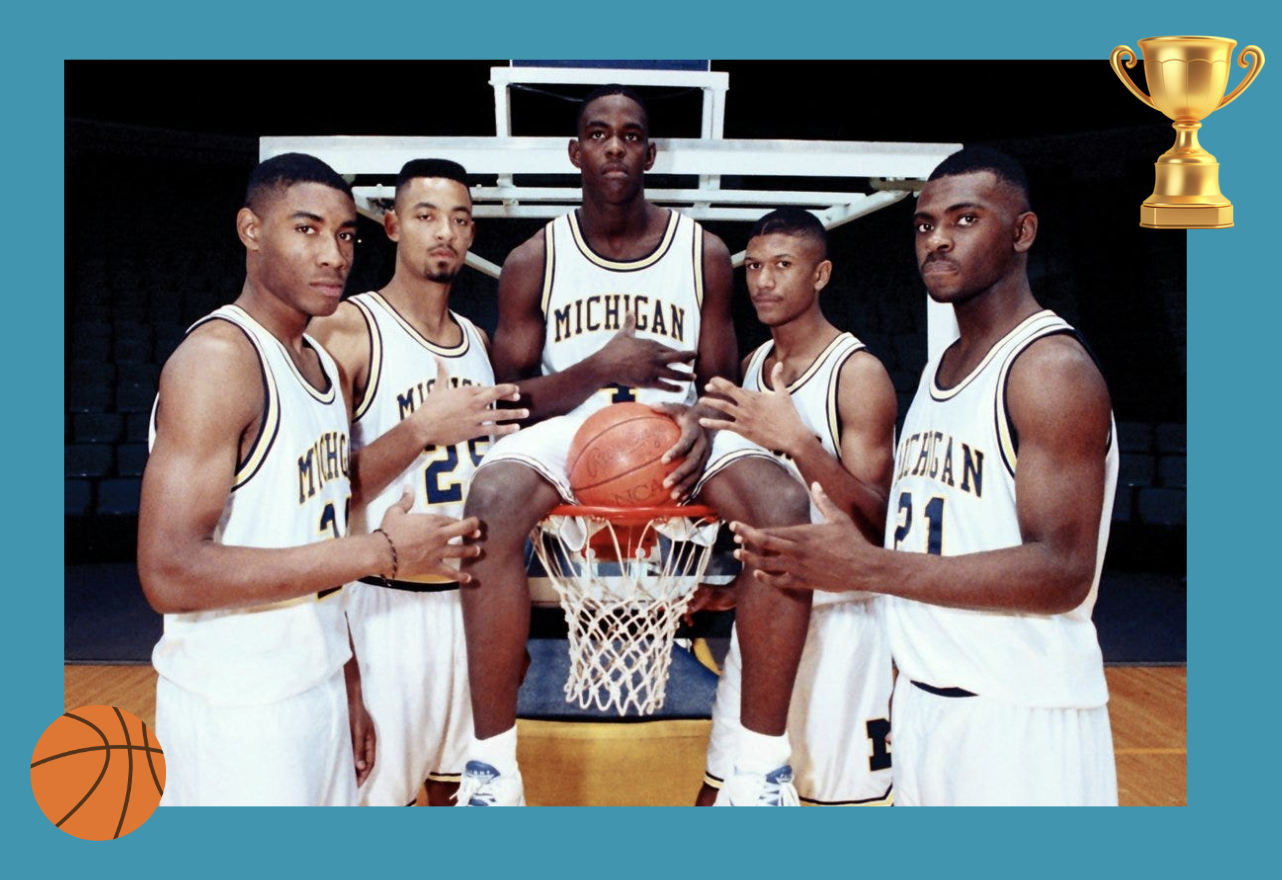
This is about dividing responsibilities among team members to play on everyone’s strengths. This helps the team work quickly, stay organized, and build a realistic prototype in a single day.
Each person takes on a focused task so the team can move efficiently, like an assembly line.
Here are some common roles:
Maker(s)
Design the screens or build the actual prototype. These people have to know the software and the breakdown of each screen.
Writer
Start to add in the fine details like added in the buttons for labels, instructions on user pages, messages from the app to the user, and so much more.This will make the product feel more whole. This is also where the team uses language that reflects the products overall message.
Asset Collector
This person will find or create supporting visuals for example like icons, logos, photos, and other graphics. This is the person who makes the overall look prettier and fuller. This will help get the best testing results because it doesn’t leave anything up to interpretation.
Stitcher
What I believe to be the most important part, this person links the screens together to simulate user interaction. This is very tedious and easy to mess up or forget. It has a lot of moving parts and will end up looking like a spider web.
Interviewer
This person shines the most when the app is about 95% done. Before sending anything out into the world the group will do something called internal user testing. Which is basically having the group members test scenarios to see if they can even figure it out. This person will prepare a little script, come up with scenarios that will test the goal of the app and test it. Make sure the prototype will answer the team’s key sprint questions.
Now it’s Time to Build the Prototype!!
The maker will use fast tools like Figma, Adobe XD, Keynote, InVision, or even PowerPoint. Focus only on what’s visible to the user. Figma is a great place to work because it has built in UI Kits for assisting in fully building out a high fidelity prototype.
What is a UI Kit?
A UI Kit is a collection of pre-made design elements and components used to build user interfaces quickly and consistently. Think of it as a toolbox full of visual building blocks for apps, websites, or software.
Now it’s rehearsal time!
Run a Quick Internal Review
At this stage, the group will test the prototype as a team to ensure everything works smoothly. The designer will go back and fix any obvious issues before the user testing phase. To start things off, the facilitator will write a welcome script and test it out on the team member while they go through the product.
—-
Everything is about Dividing and Conquering!
“This division of labor ensures that different aspects of the prototype are developed simultaneously, maximizing productivity and making the best use of the team’s diverse skill set.”
The prototyping phase is where ideas finally take shape. It’s fast-paced, collaborative, and focused on building a realistic version of your solution that looks and feels real. By assigning clear roles, defining a focused user flow, and using tools like UI kits, teams can create a test-ready prototype in just one day. This phase is crucial for turning abstract ideas into something tangible and testable.
NEXT TIME
Come back next week for phase four, your prototype is put in front of real users. You’ll gather feedback, observe how they interact with your design, and learn whether your solution actually works. This is to put on your science coats and see what hypothesis we can come up with.
 Levy It All To Me