
If you are coming here from last week’s blog on day 1 of a design sprint to create an app, welcome back. And if you are new you might be a little lost so let me catch you up!
What is a design sprint?
Design Sprints are basically a team of people (who might have different backgrounds) who break down the design process with one person leading the group to help move things along faster. This helps go thorough ideas and really build a fully thought out end result.
What typically happens on Day 1 of a Design Sprint?
The focus is on understanding the problem, aligning the team, and setting a clear target. This day is about mapping out the challenge and deciding where to focus efforts for the rest of the sprint.
The team will set long term goals, map out the challenges, create questions to be answered by the end result and do research on the overarching topic of what they are building.
Now you’re caught up, if you’d like to read more click (DAY 1) to read the first full blog!
Day 2 – Phase 2
What is the overall goal of phase 2?
This phase is to explore a wide range of ideas that were brought up in phase 1, then narrow down to the most promising ones, and start turning them into concrete solution sketches.
This is to build a consensus within the team on what the main goals and priorities are for the overall product. This phase is more about breaking down ideas with a critical eye to make sure the team is coming out with the best solutions possible.
Where to start?
Going off of the last meeting in phase 1, the team’s facilitator (the person to run the exercise and concept) will run what is called “The Art Museum,” exercise.
The Art Museum
This exercise involves going through the ideas generated from the first day, particularly the 4-Step Sketch (team members turn rough ideas into concrete, testable solution concepts without needing to be great artists). The team’s sketches are displayed on a wall or a digital display board like in an art museum, without revealing the authors.
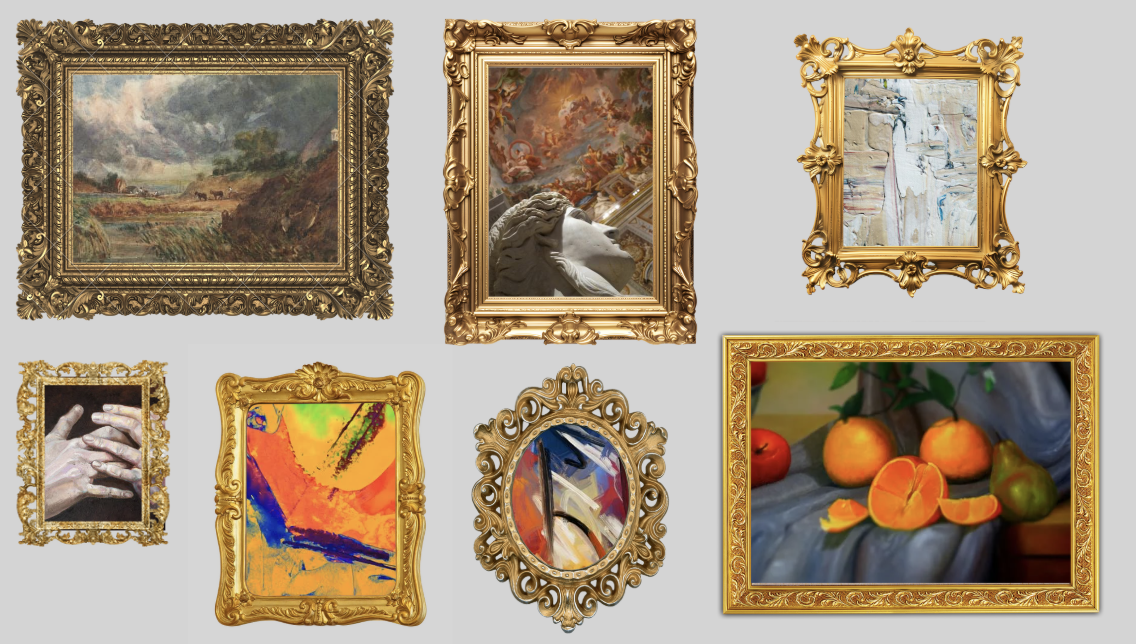
The purpose is to review a wide range of ideas and to start thinking about which concepts are the most well rounded for the solution. It encourages unbiased evaluation and inspires further creativity. Now that the group has seen the ideas, it’s time to slim down the options.
Heat Map Voting
This exercise highlights the most interesting and well thought out ideas from the sketches they just say. The facilitator will go through as an unbiased source and explain overall what the sketch is. Once everyone has a better idea of concepts they get little dots to vote on the ideas they like. Afterwards the team should then discuss and analyze the results to get a better understanding of what people are looking for as the outcome to the project.
That is where the Speed Critique comes in, the Team members discuss what they like about each idea, raise concerns, and suggest improvements. The goal is to quickly gather collective insights on each idea, helping to identify the most vital elements of each solution.
Straw Poll Vote
This is the second level of voting that allows for individual assessment, ensuring that the final decision is well-considered and represents personal insights. Think of this like breaking down the final roster to bench players and starters. The team should be looking for their best starters.

Supervote
The Super Vote is when the Decider uses larger, standout dots to vote on the sketches or parts of sketches that should be turned into a prototype. The Decider is the final call vote, the person who chooses the overall pick, So up to this point what really is happening it the team breaks down and finds the best ideas to than serve it up on a platter to the decider (The Big Boss) to make the decision of what to move forward with.
…A CHOICE HAS BEEN MADE!
Now off to the user flow!
What is a user flow within an app?

User Flow is a visual or written map that shows the steps a user takes to complete a task within your app. Just like the image above, if you want your soulmate to be Joshua Jackson (AKA Pacey) You have to know the steps to get to him.
So this exercise is about writing out a step by step run through of this app in the perspective of someone using the app for the first time.
The team wants to make sure that the prototype and test focus later in the sprint will answer the main Sprint Questions, so they get feedback that actually helps the team move forward.
From there the Decider strikes again. After everyone presents their user flow ideas, the decider picks just one to take to the final phase of the day.
Storyboarding
This activity involves creating a visual narrative to depict the functionality of the chosen solution.
The team will sketch frames, each representing a distinct stage of the user’s interaction with the product or service. From opening up the app to what buttons they will click to the end screen. The way the app flows within itself.
The main goal is to create a detailed illustration of how the solution fits into the user’s daily experience, ensuring a logical flow and guiding the prototype design.
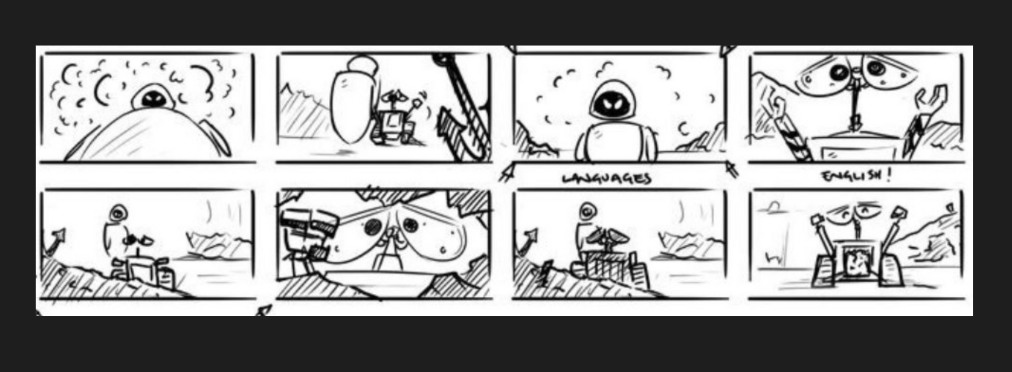
And boom there you have it, a fuller idea of what this is all supposed to look like.
Come back next week for what we have in store for phase three! It only gets better from here!

 Levy It All To Me